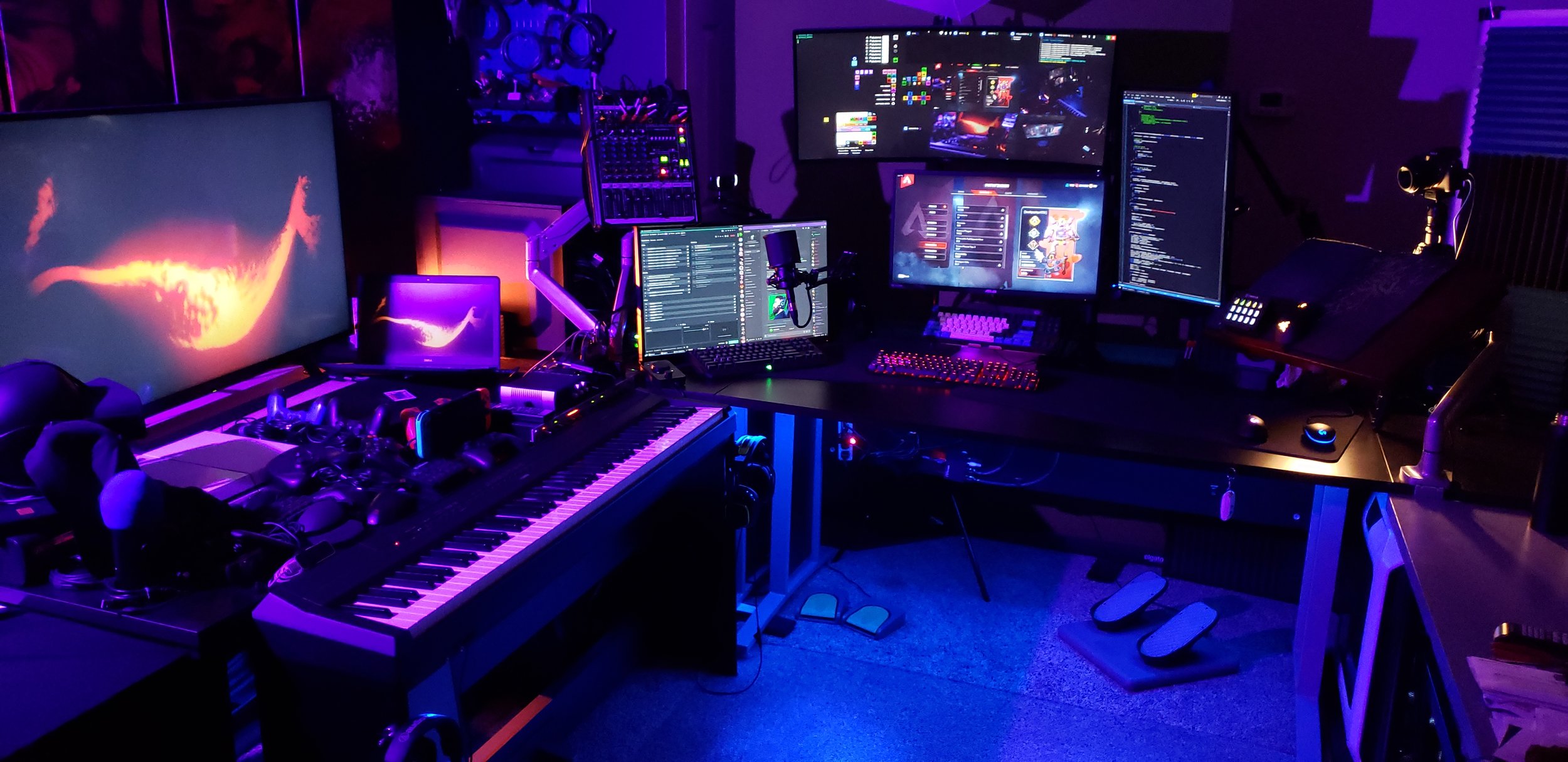
“Wait…four?!”
I know, I know…it’s absurd. Listen, I didn’t plan it this way from the start. You spend a couple of years upgrading your gaming machine and cascading the hand-me-down parts to a streaming rig and you look down one day and realize you have enough leftover parts to build another tower, and all you need to do is buy a power supply!
So, now we are here, in all of our opulence. Seriously though, it isn’t just for goofs, these machines actually make things really convenient for me. I’ll show you what’s in them and what they do for me!
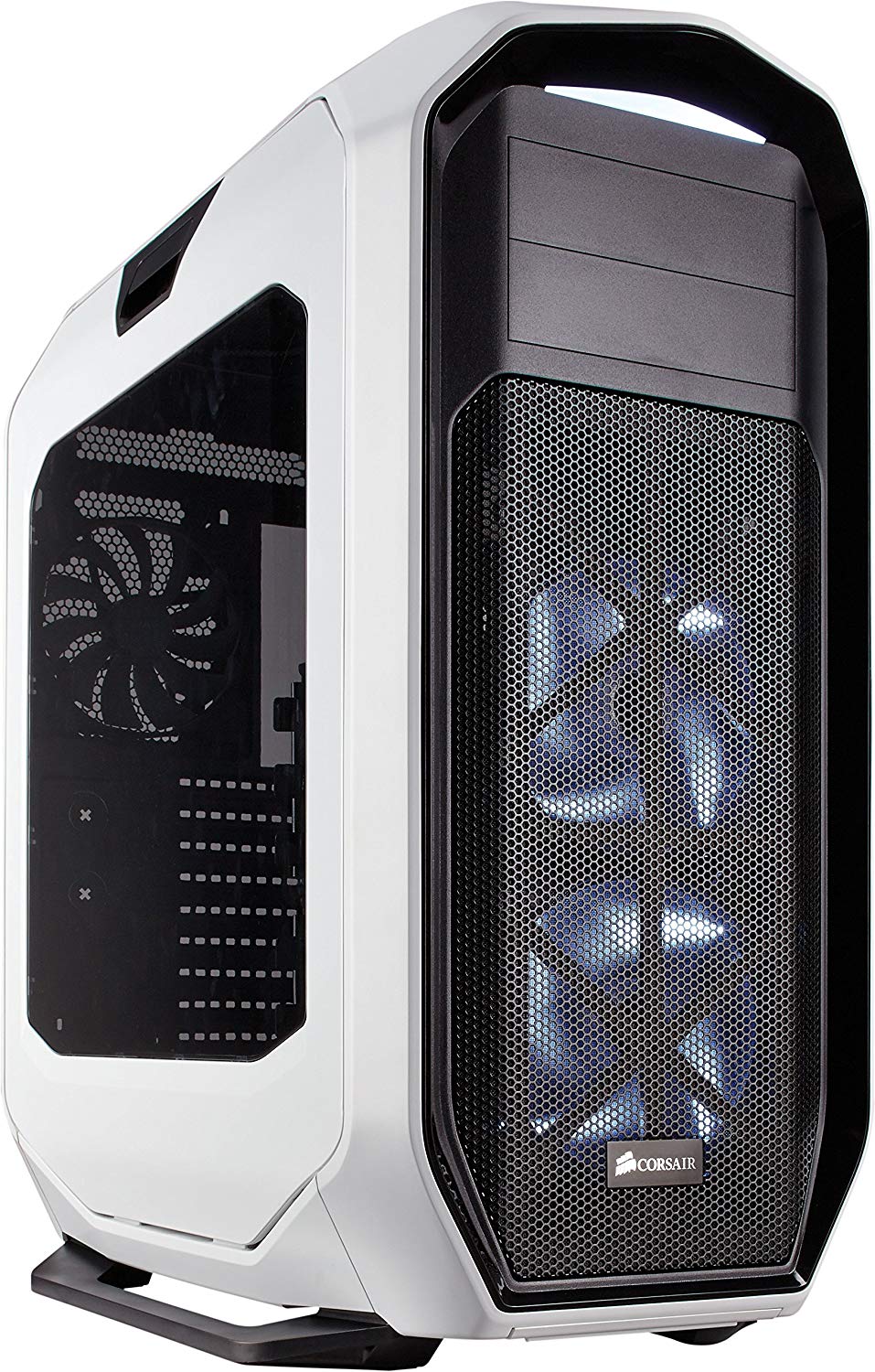
PC ONE: GAMES
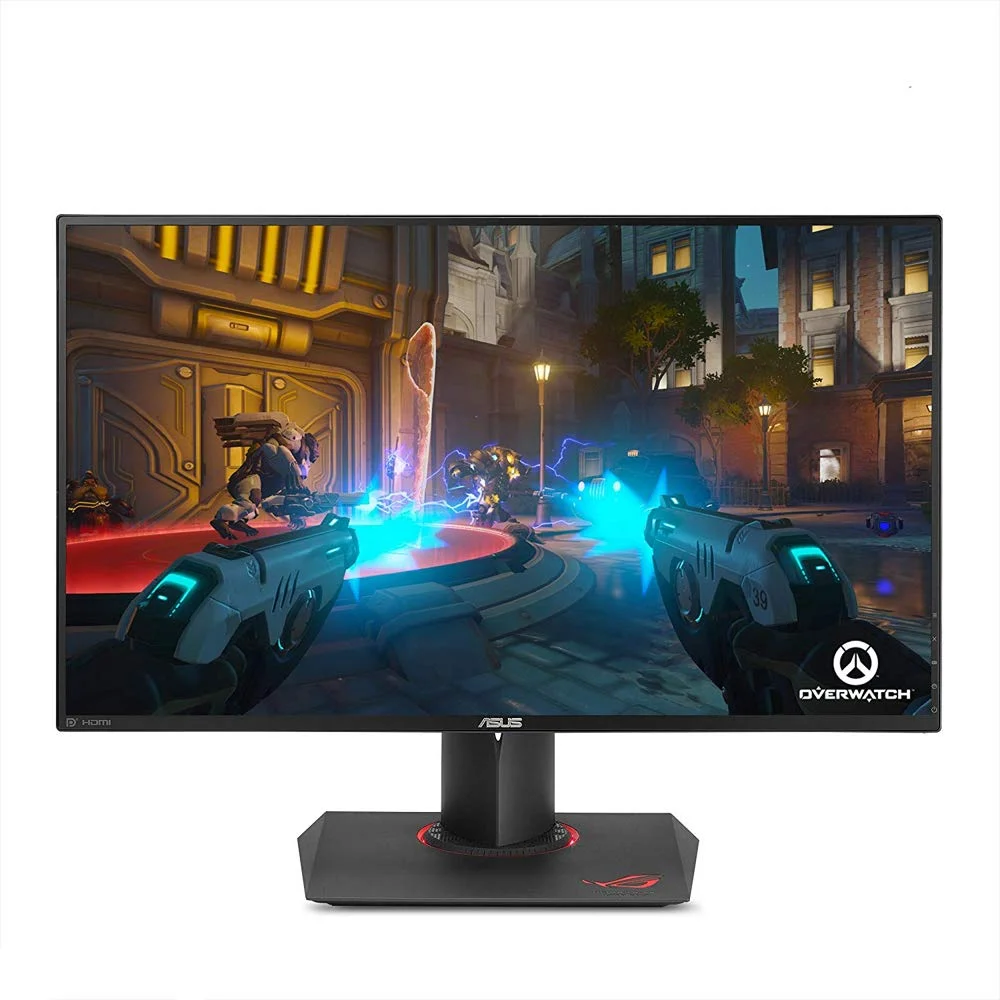
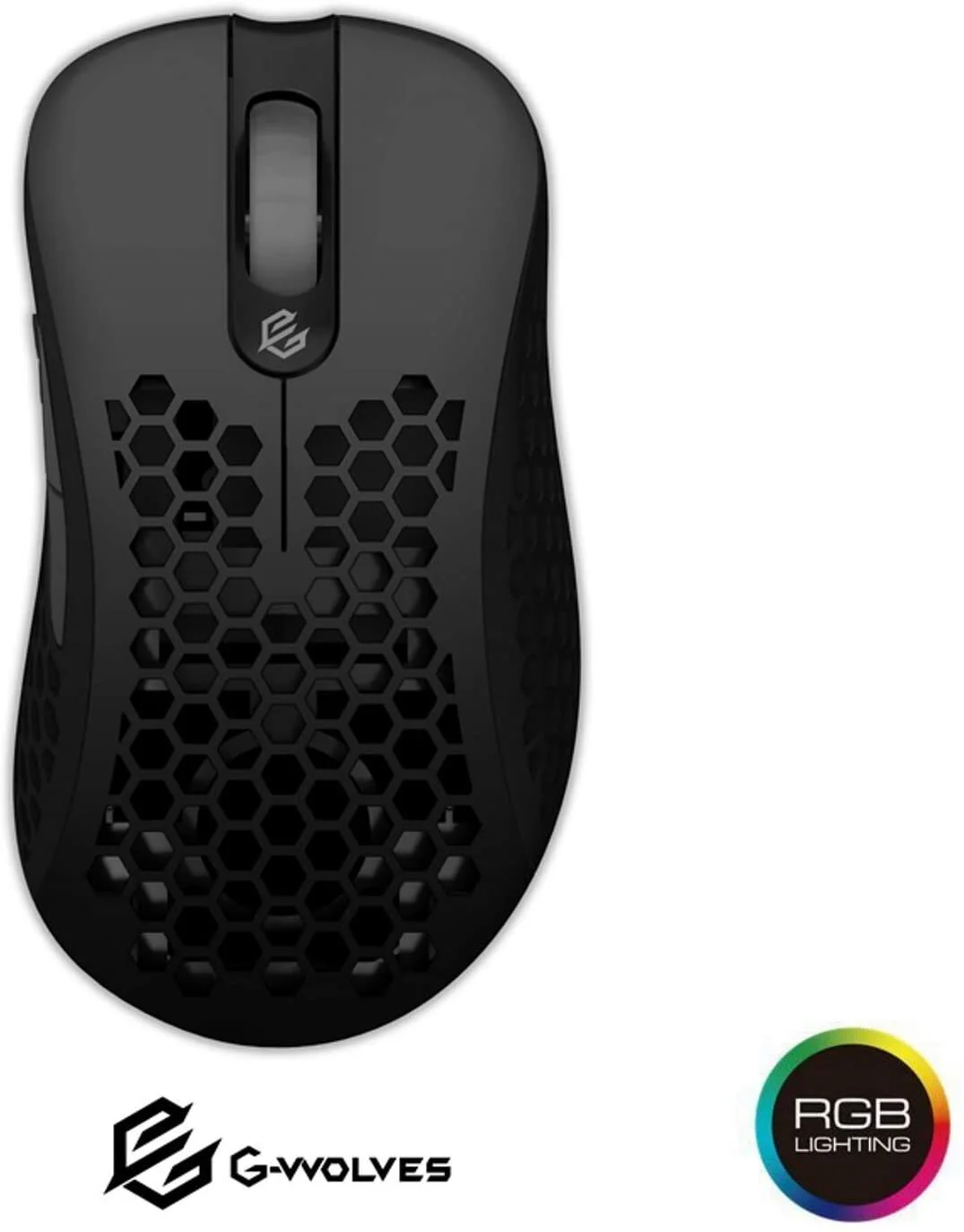
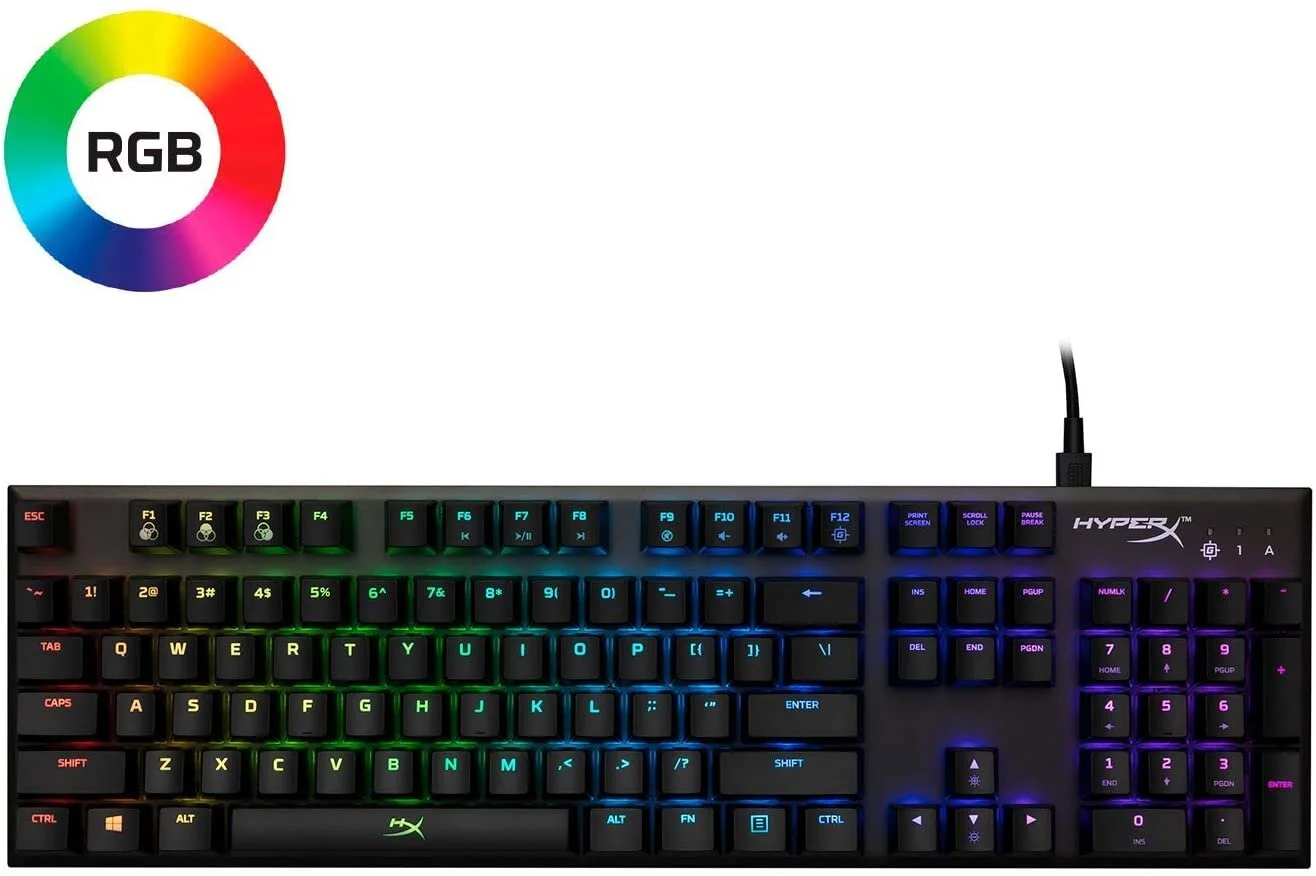
PC ONE is all about gaming. The full focus of this machine is performance so that I can get as close as possible to a stable 240fps to match the 240hz of this system’s only monitor. Nothing but the game is running here while I’m streaming, so I never have to worry about the stream stepping on my frames.
PC-ONE-ITEMS


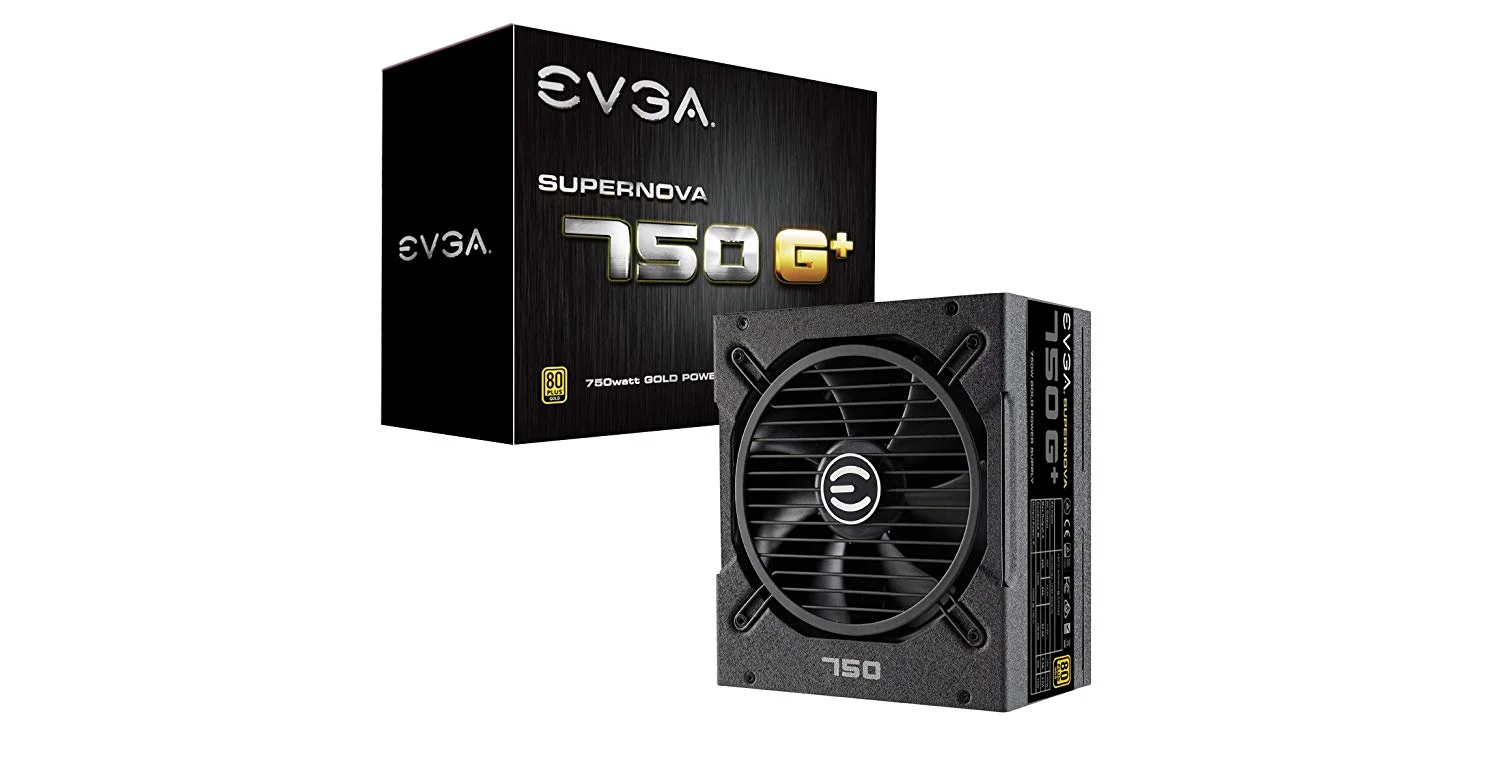


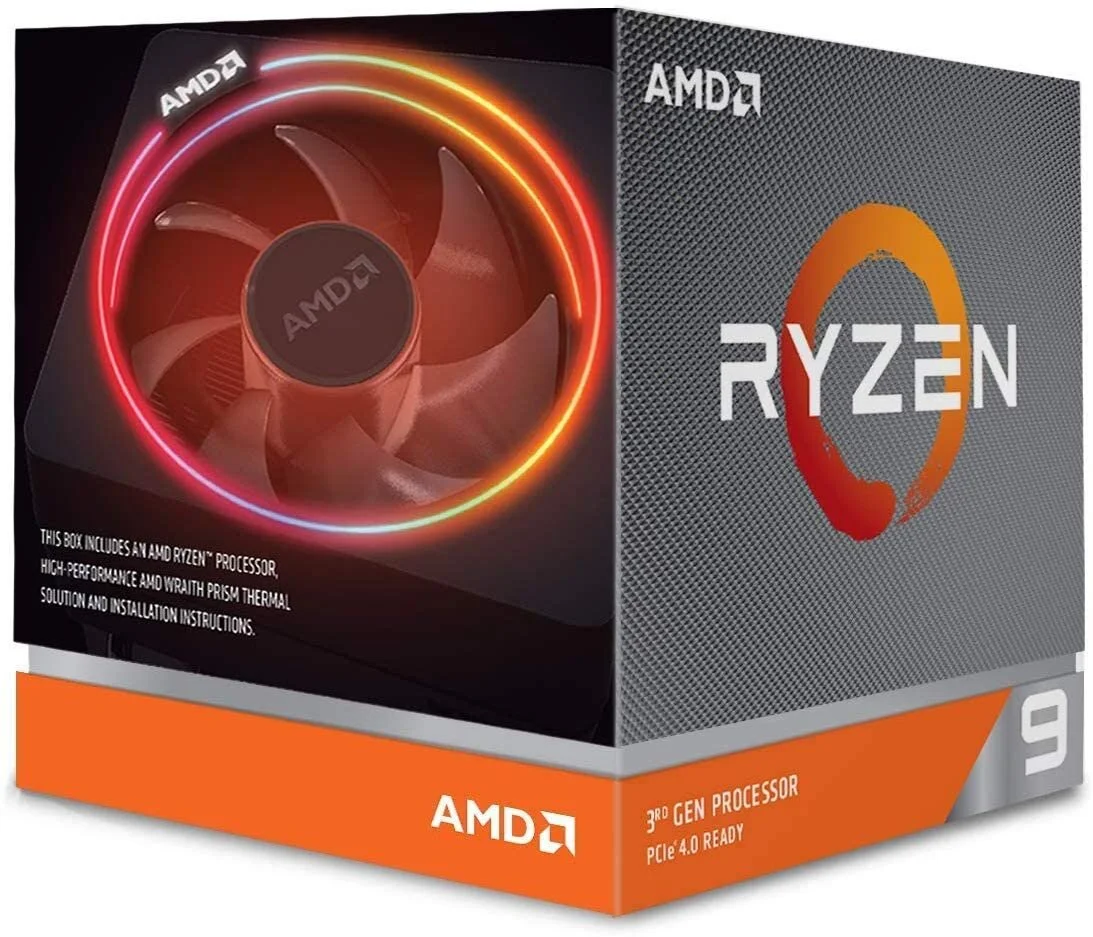
PC TWO is dedicated to running my homemade software, which I’ll be referring to as Jimmy. Jimmy is my Jarvis. He takes in *ALL* of the video feeds from my capture cards and webcams, and composites them together in a virtual 3D environment running in real time. These panels are then interactive both by my own hand and chat interaction. I can apply physics to them, launch bits out of a cannon at them, or slap them onto the side of a virtual billboard to act as some animated window dressing. Jimmy is my FX playground and the real magic behind the stream.
PC-TWO-ITEMS




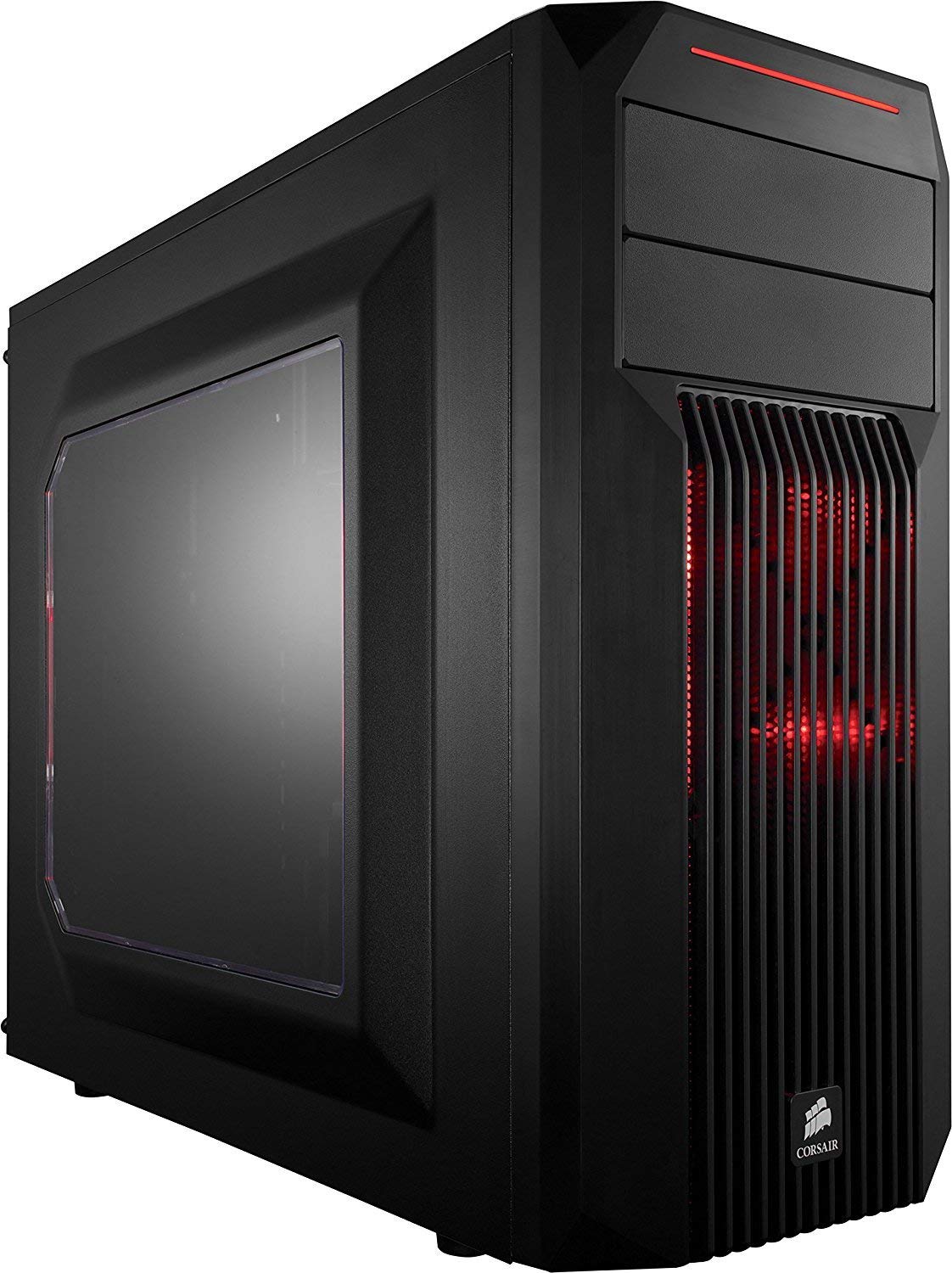
PC TWO: JIMMY
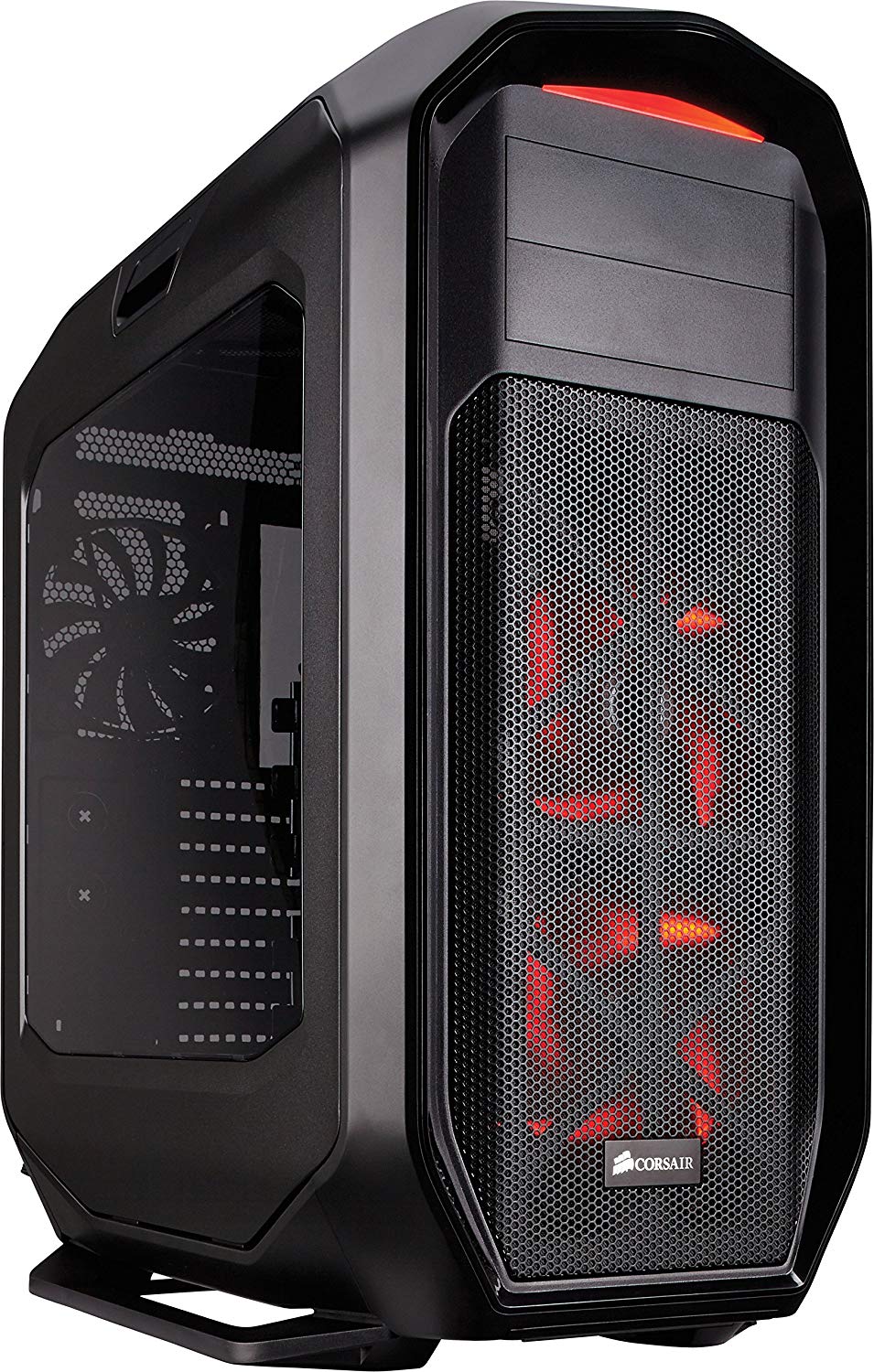
PC THREE: STREAM
PC THREE handles all of the heavy lifting regarding encoding and uploading to Twitch. Here, I’m running SLOBS to actually upload the stream, with the only incoming video source being a cropped feed from my homemade application (sent from Jimmy via NDI). The primary focus of this machine is to handle the video encoding, but I also use it to power my Twitch chat monitor and discord.
PC-THREE-ITEMS
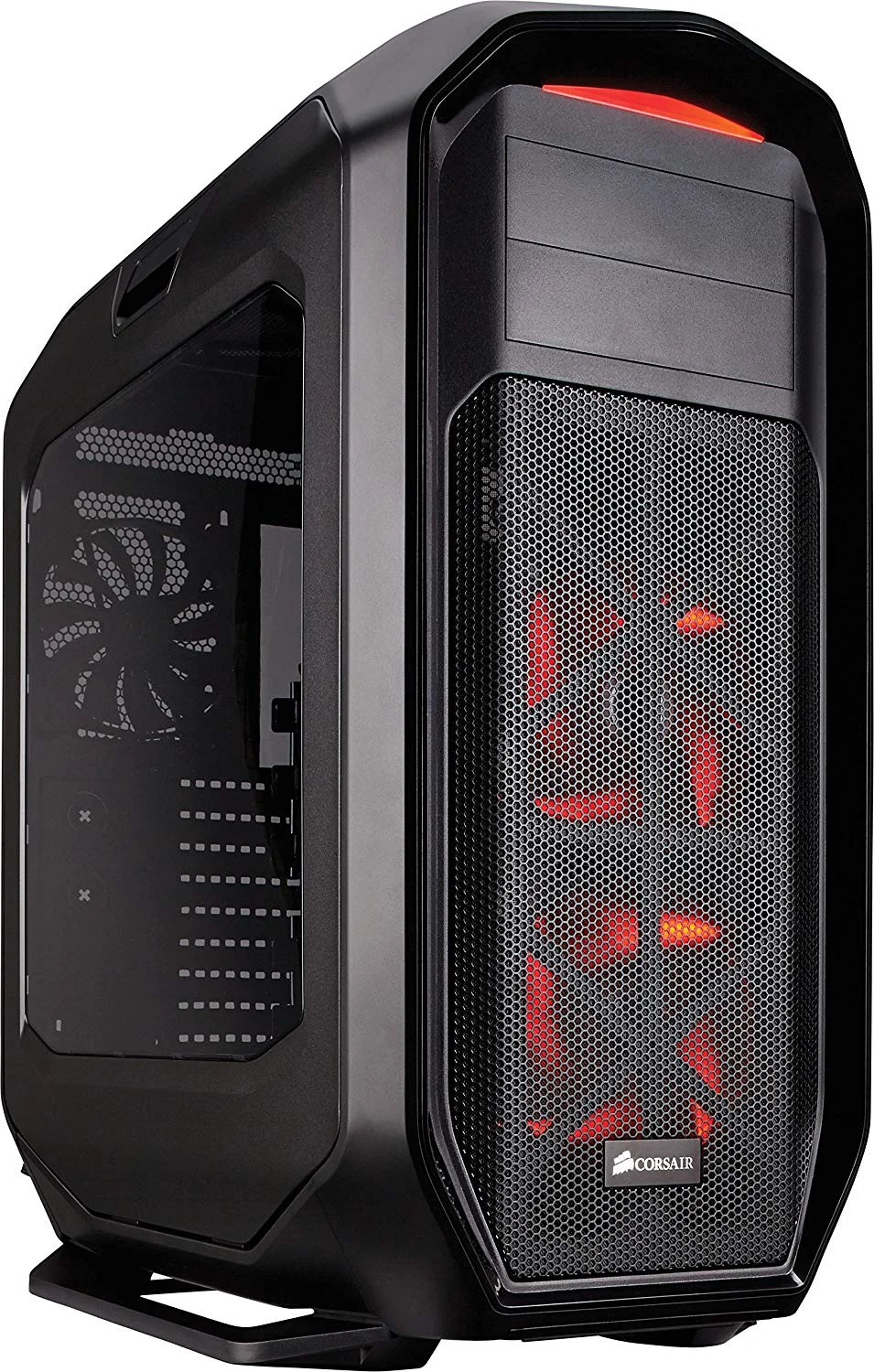


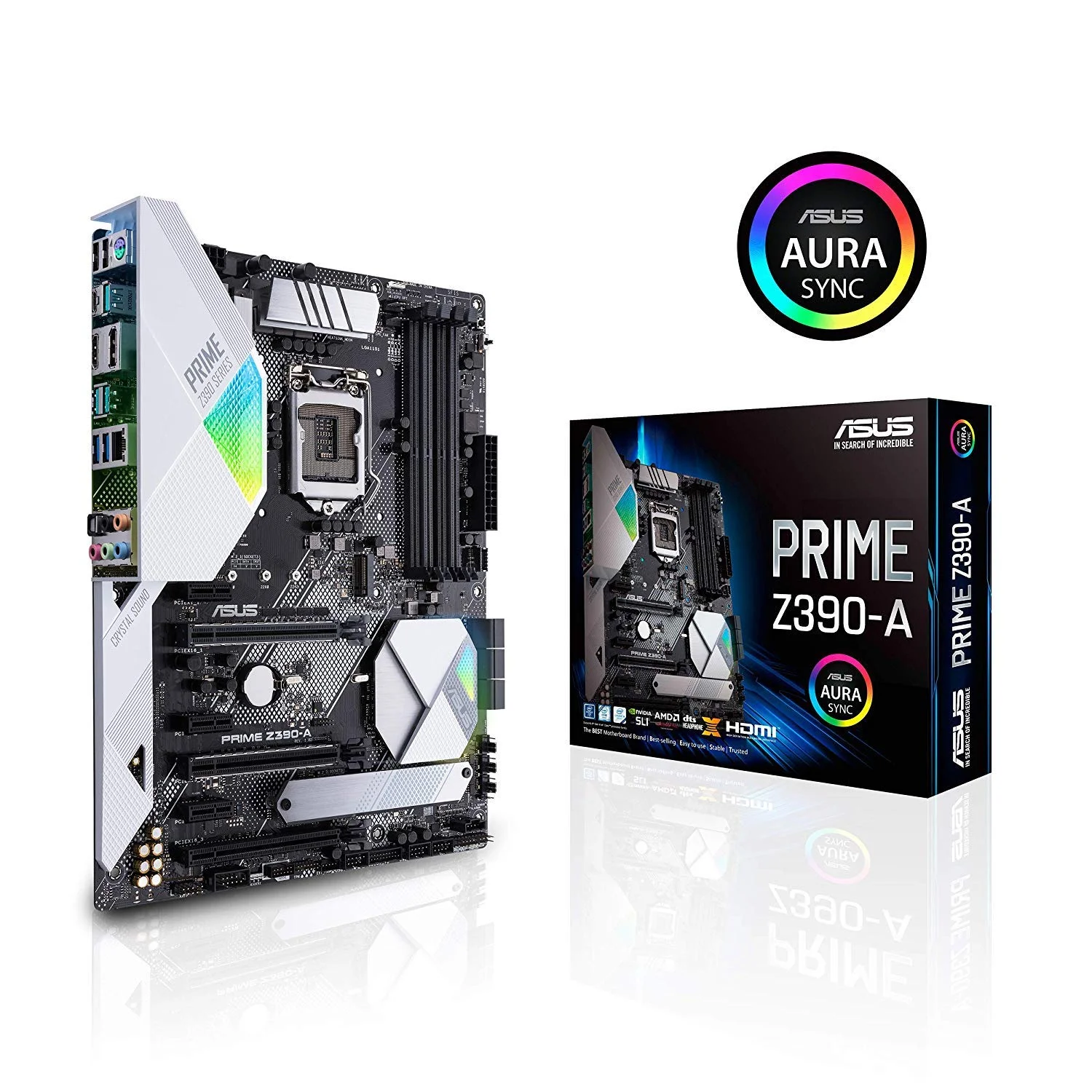


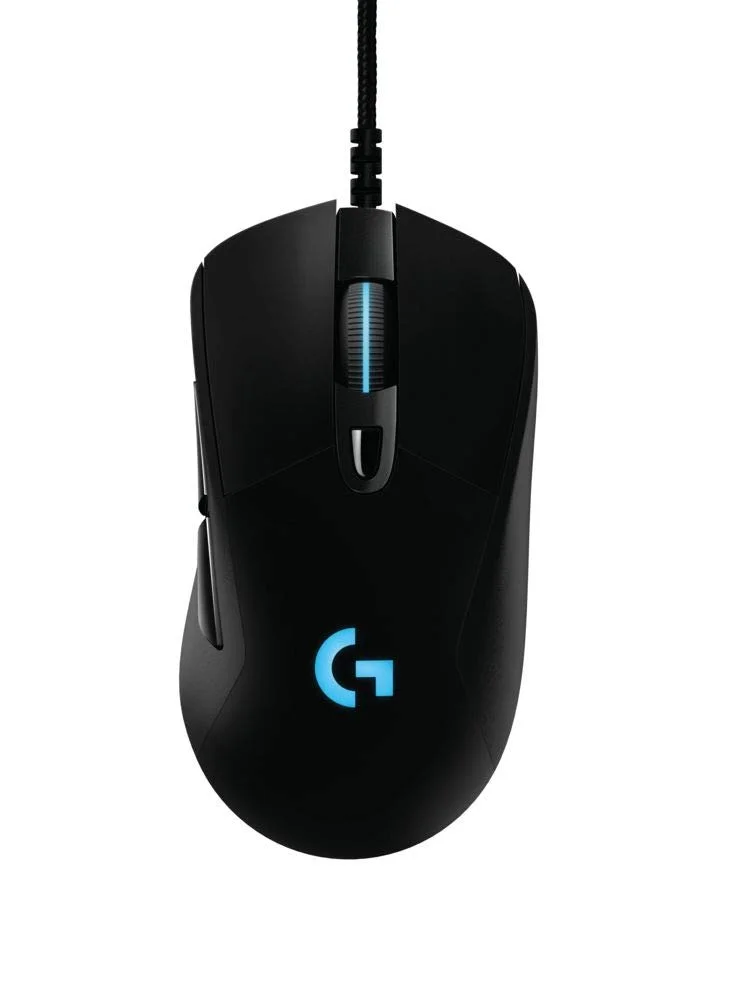


PC FOUR IS KIND OF JUST A UTILITY MACHINE. I HAVE IT RUNNING A PARTICLE AUDIO VISUALIZER ON MY TV IN THE BACKGROUND, AS WELL AS COMPOSITING A NUMBER OF WEBCAM FEEDS INTO A SINGULAR FEED TO SEND TO JIMMY TO LIGHTEN THE LOAD.
PC-FOUR-ITEMS
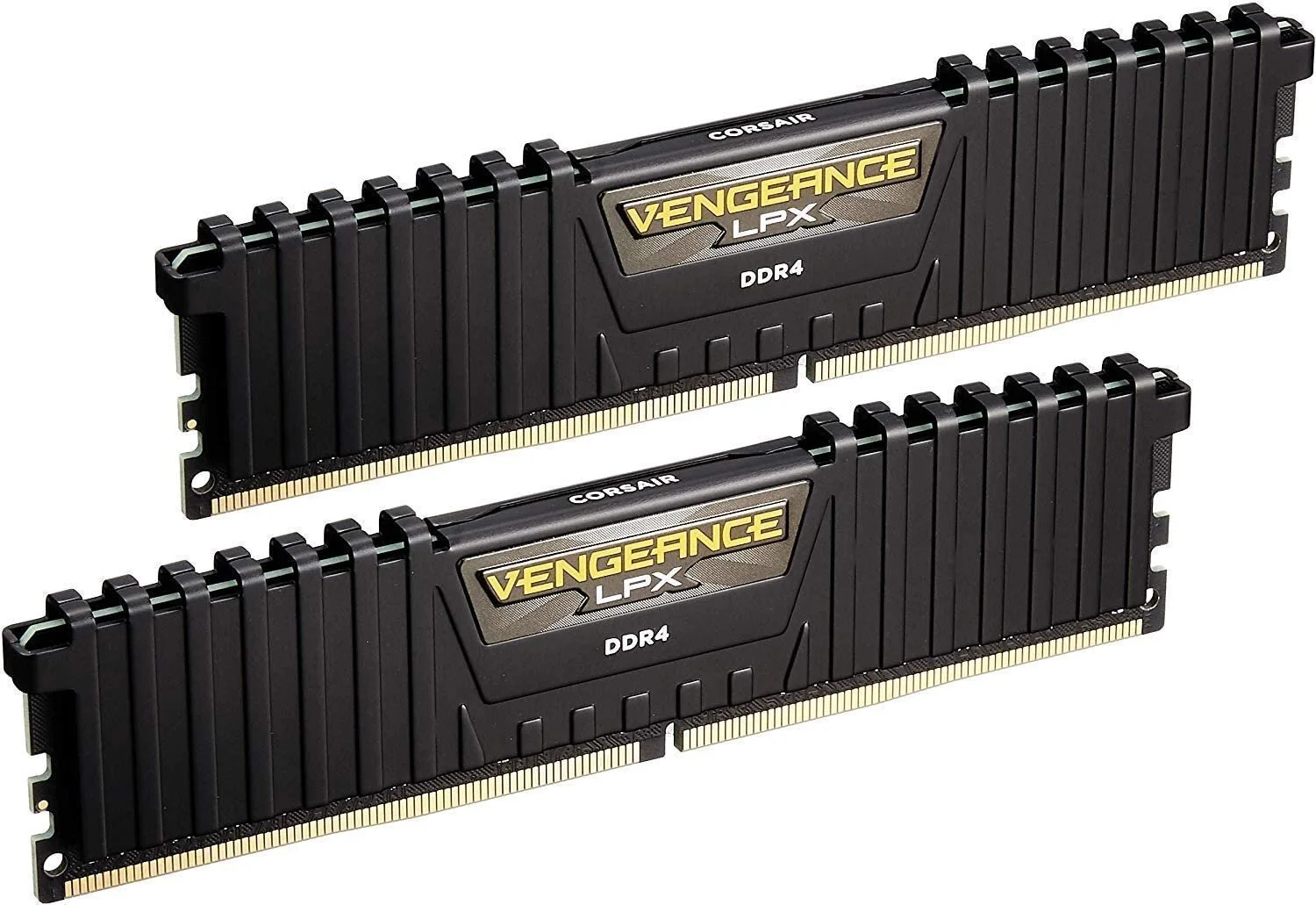
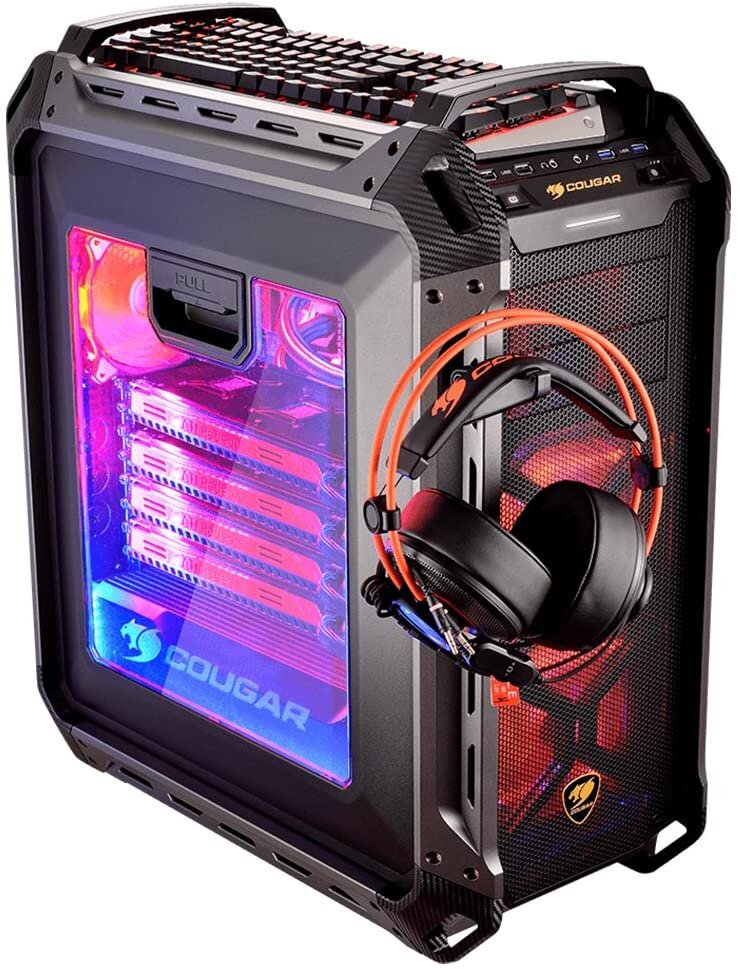



PC FOUR: MISC
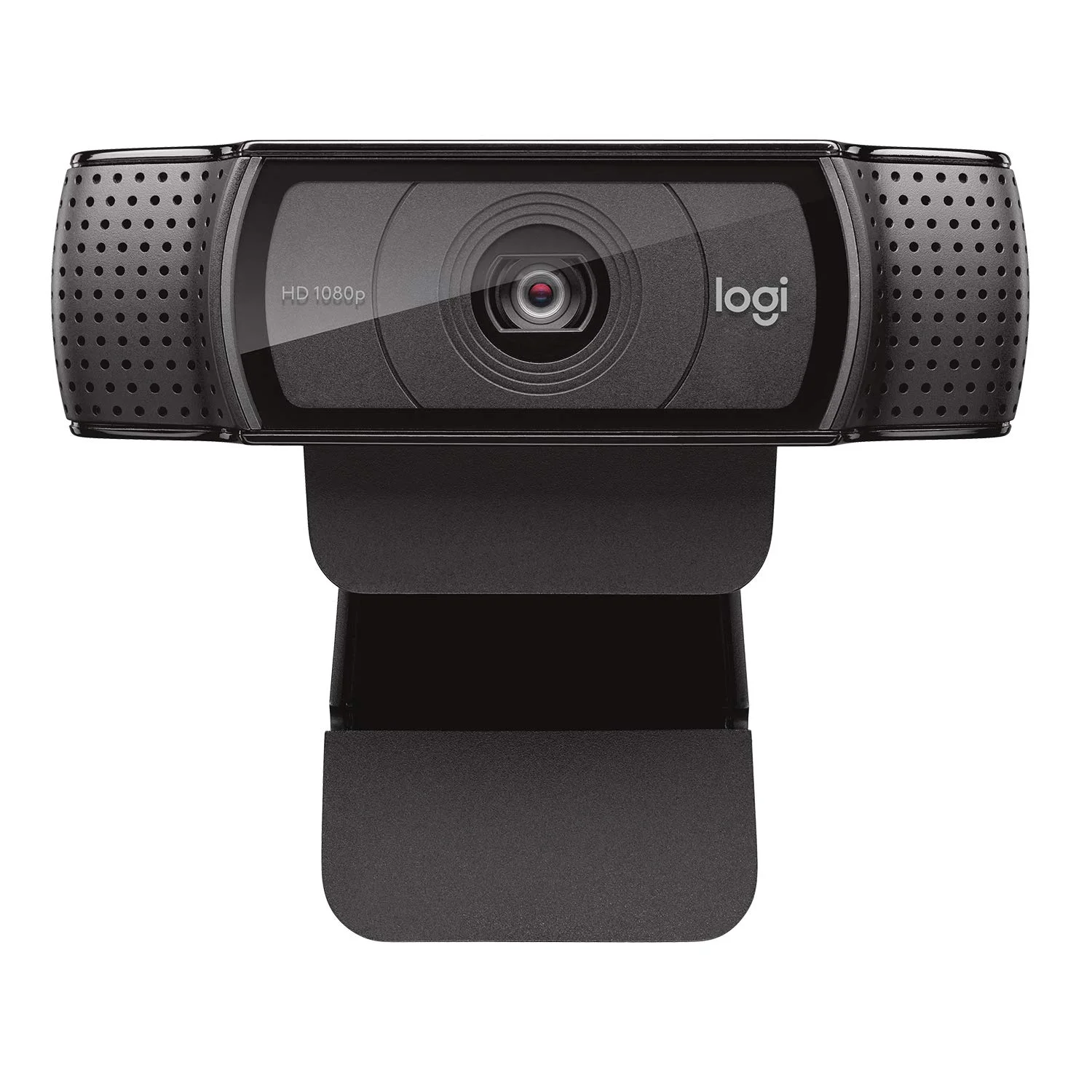
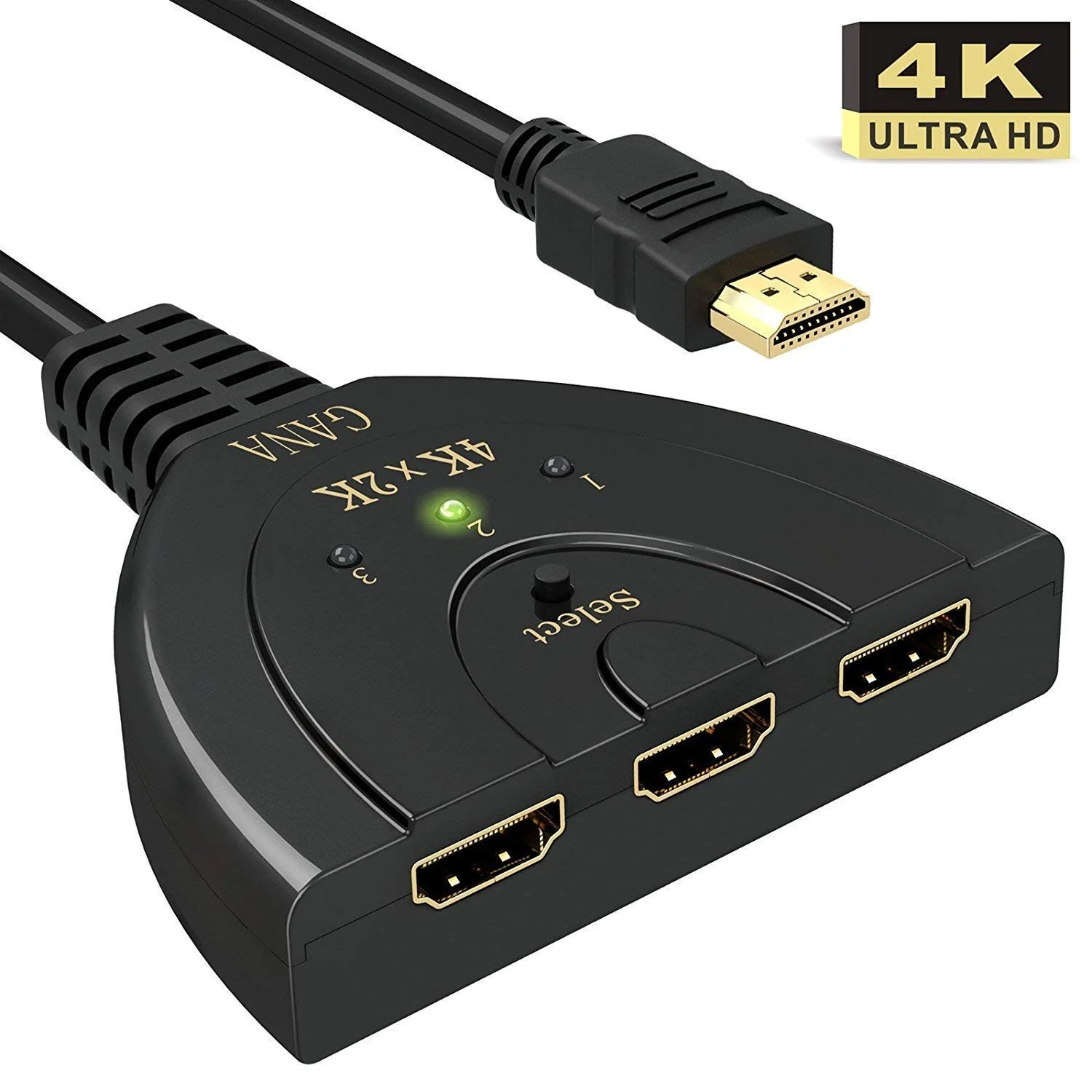
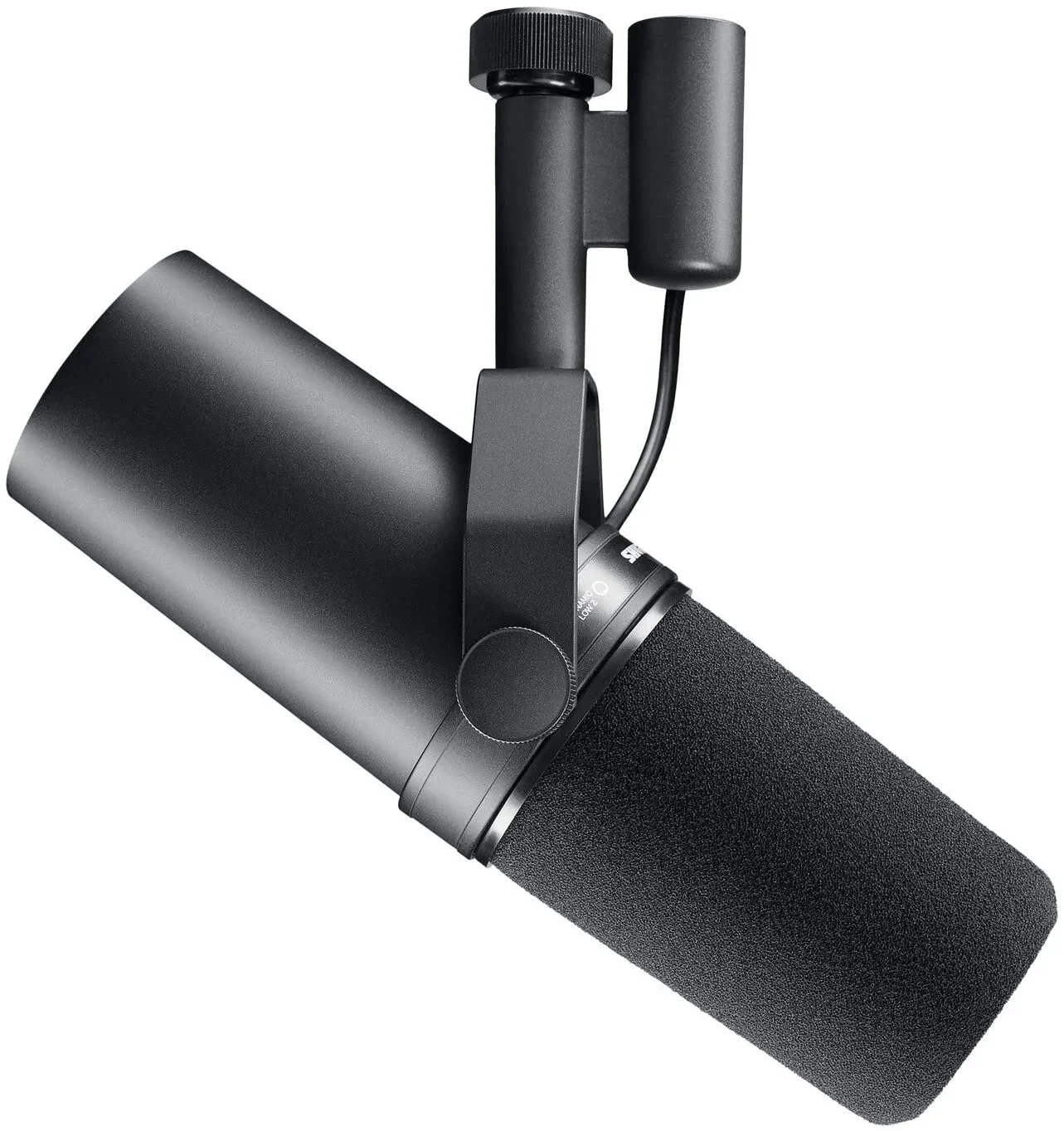
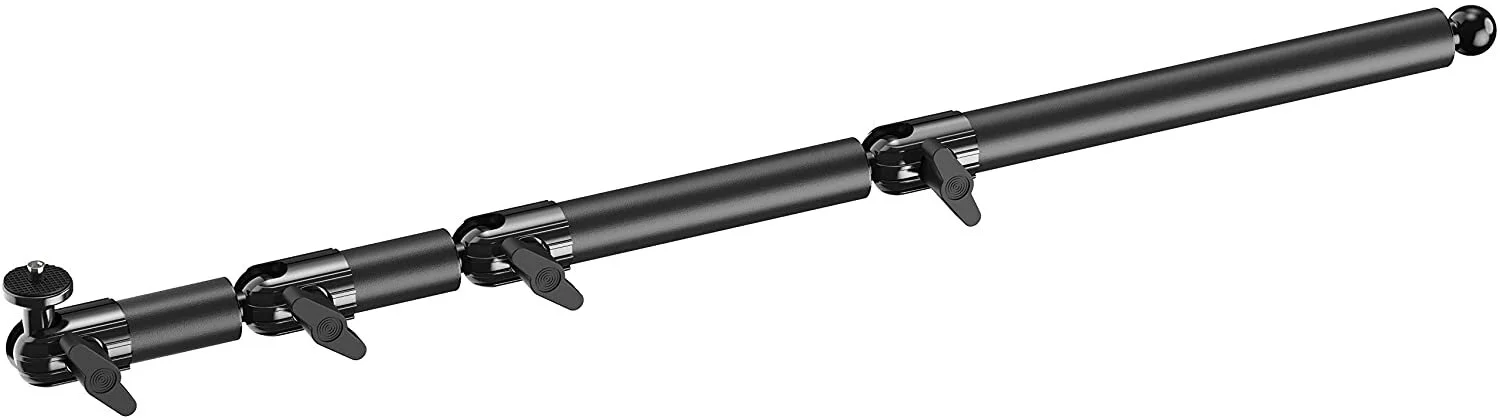
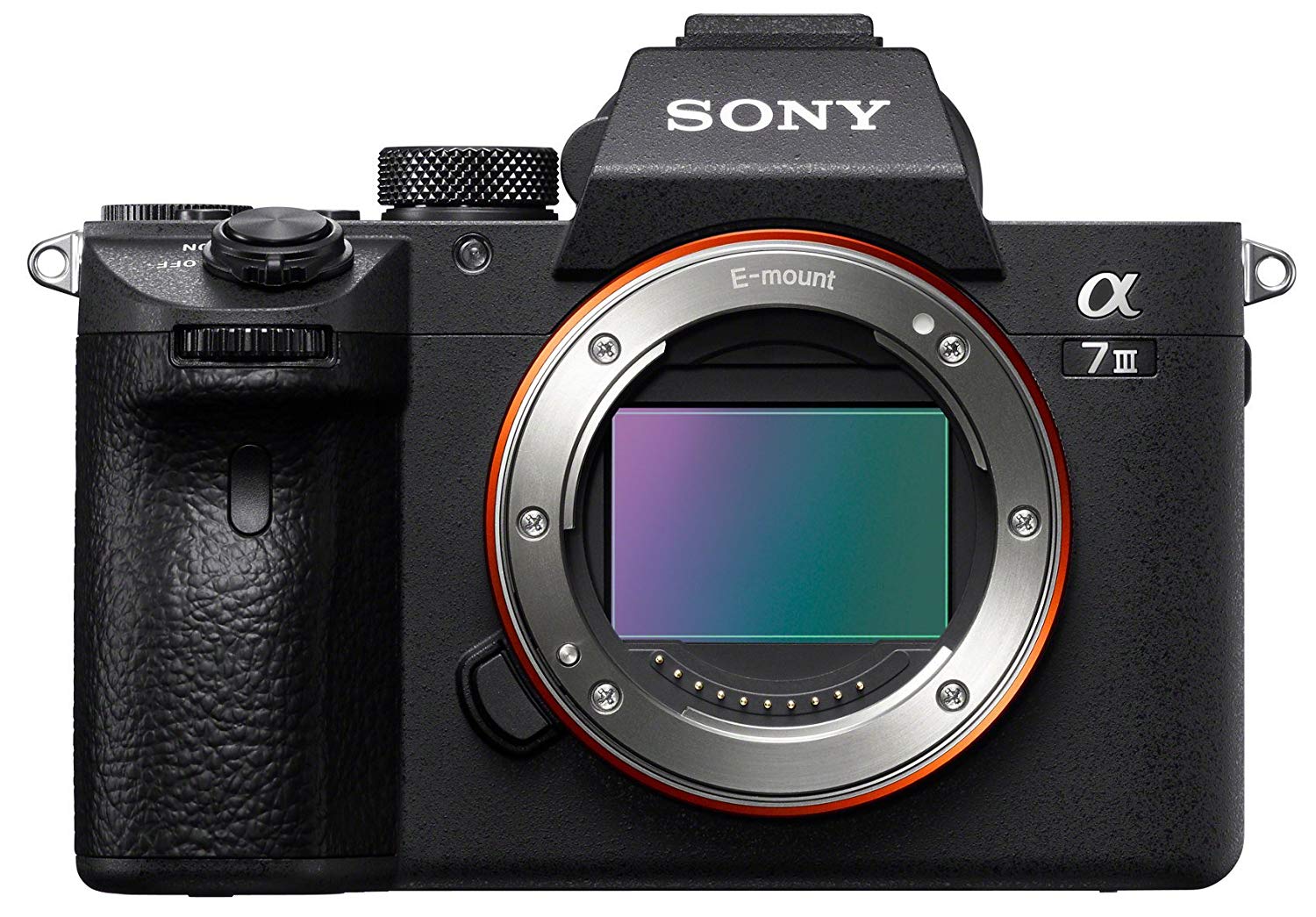
Now, three computers is already pretty excessive. We aren’t stopping there, though. There is a whole host of peripherals and tools I use to add even more production value to my broadcasts. Two of the most immediately NOTICEABLE are my cameras and my audio. The Sony a7iii will speak for itself, but sound quality is also really important to me. What began as a quest to eliminate mechanical keyboard audio ended with a level of convenience I hadn’t even sought to achieve.
PC-GEAR











STREAM GEAR